


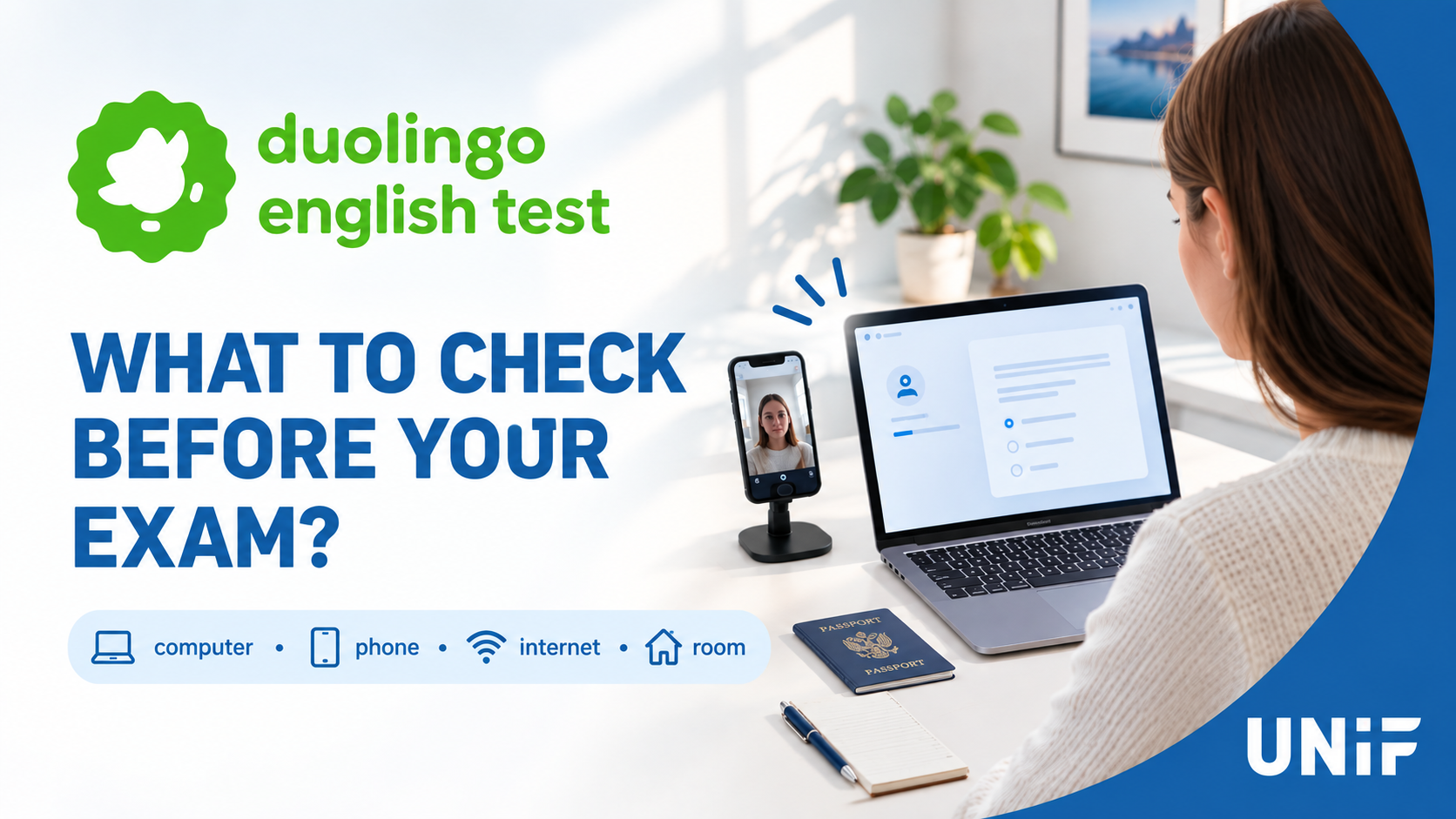
The Duolingo English Test (DET) is taken remotely, so it’s important to prepare your computer, phone, internet connection, and testing environment in advance. Failing to meet the technical requirements may prevent you from starting the test or may result in your score not being certified.
To avoid technical issues on test day, we recommend getting everything ready ahead of time.
The Day Before the Test
- Install the Duolingo English Test app on your computer.
- Log in to the test taker’s account.
- Check that your camera, microphone, and speakers are working properly.
- Make sure your internet connection is stable.
- Prepare a smartphone with a camera — it will be used as a second camera.
- Take a practice test on the same computer you will use for the actual exam.
- Prepare a valid government-issued ID.
- Choose a quiet, private room with good lighting.
Important: Headphones and headsets are not allowed.
We recommend taking the test on a laptop with a built-in camera, microphone, and speakers.
How Your Phone Is Used
During the test setup on your computer, a QR code will appear. Scan it using your phone’s camera.
Place your phone next to your computer so it can be used as a second camera.
The camera view should include:
- your head and shoulders;
- your computer screen;
- your keyboard.
Make sure the phone is securely positioned. Once the test begins, you must not pick it up or move it.
Before the test:
- fully charge your phone;
- turn on Do Not Disturb mode;
- close unnecessary apps;
- make sure the camera is working;
- if possible, keep your phone connected to a charger.
Before You Start the Test
We recommend restarting your computer and opening only the Duolingo English Test app after it starts up.
Close:
- browsers;
- Telegram and WhatsApp;
- Teams, Zoom, Skype, and Discord;
- Grammarly;
- TeamViewer and AnyDesk;
- screen-recording software;
- text-checking tools and apps that provide automated suggestions.
Turn off notifications.
Remove the following from your desk:
- headphones;
- any additional phones;
- tablets;
- smartwatches;
- paper;
- pens;
- books and notes.
Ideally, your desk should contain only your computer, your phone as the second camera, and your ID.
During the Pre-Test Check
Duolingo will ask you to:
- test your camera and microphone;
- show your ID;
- connect your phone as a second camera;
- show the area around your workspace;
- show both ears to confirm that you are not wearing headphones.
Follow the on-screen instructions carefully and take your time.
During the Test
You must not:
- use headphones;
- use your phone;
- switch to other applications;
- open a browser;
- use notes, written materials, or outside assistance;
- stand up or leave the room;
- talk to other people;
- have anyone else in the room.
Try to keep your eyes on the screen. It’s fine to look at the keyboard while typing, but avoid repeatedly looking away from the screen.
Checklist Before Clicking “Start Test”
✓ Computer is plugged in or fully charged
✓ Phone is charged and positioned next to the computer
✓ Internet connection is stable
✓ Camera and microphone are working
✓ Speakers are working
✓ Headphones are put away
✓ Notifications are turned off
✓ Unnecessary programs are closed
✓ Other devices have been removed
✓ There are no notes or paper on the desk
✓ No one else is in the room
✓ Lighting is good
✓ Your ID is within reach
We recommend preparing your equipment well in advance rather than leaving the technical setup until the last few minutes before the exam.